Phishing attacks – what are they and how to protect yourself
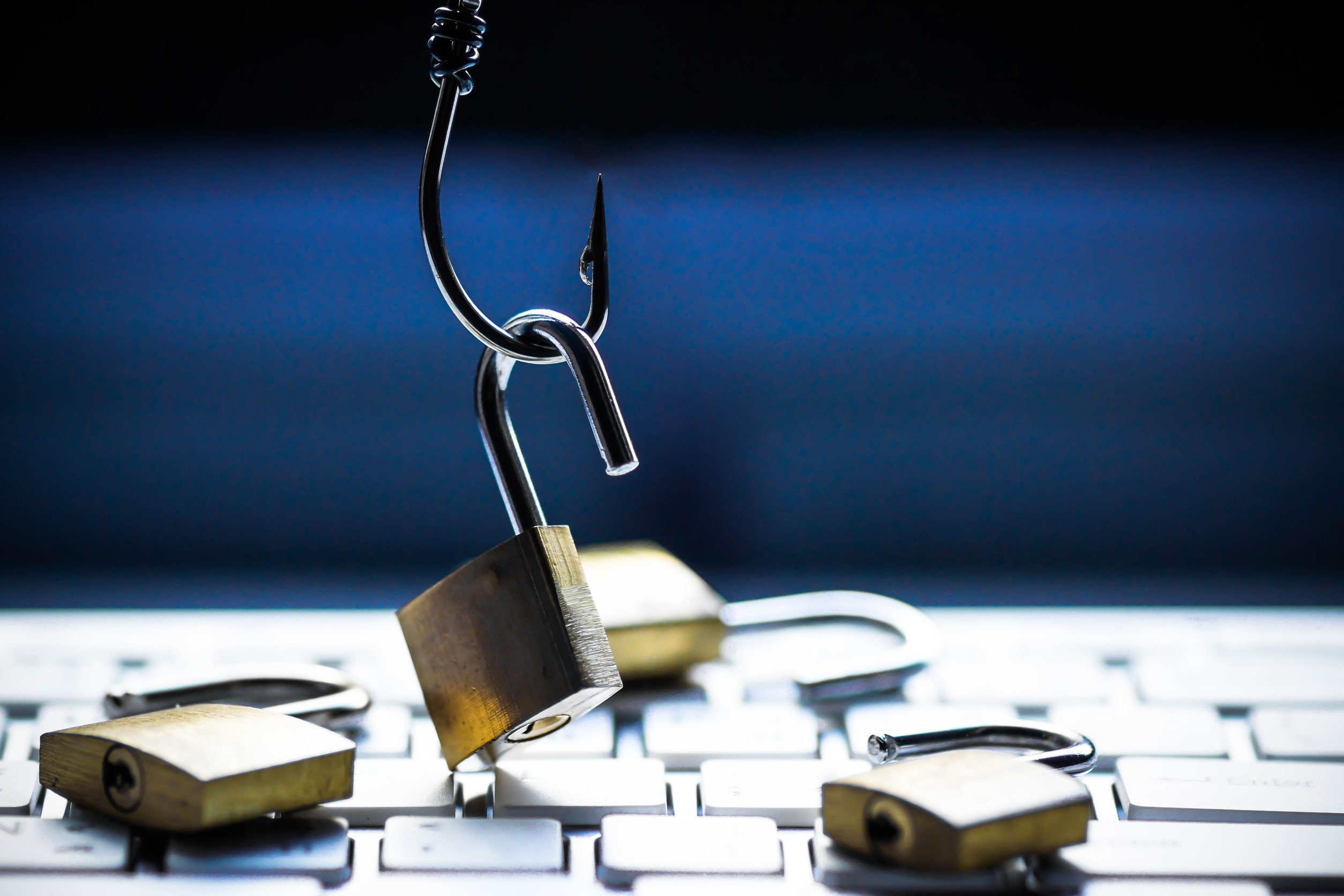
The phishing attacks start innocently. Somebody sent you a link with a video of a puppy or an email asking you to verify your password for a service. You click it and…
You got phished!
If you have phishing problems, I recommend you to take a look at this article too – DMARC, the solution for your phishing problems
You got the bait, the cybercriminal tricked you successfully, and now you are in trouble!
You could have prevented it. If only you knew what a phishing attack is and how to protect yourself.
What a phishing attack is?
A phishing attack is a variety of cyberattack where the cybercriminals are trying to make you do one of the following actions:
- Download a file. The file can be a virus that can affect your computer or ransomware that disables your device until you paid the ransom.
- Enter data. You could be taken to a fake site, visually very similar to a well-known one, and ask you to fill in data. Often the data they want are passwords, usernames, emails, and bank information.
They are doing it with a message that looks normal, and it is very hard to distinguish from any other. The text usually looks very professional, and it is something that the victim wants, like free software or something that they need, like to change their password in X amount of time.
Hackers are using this strategy for a long time. The term “phish” came from the word fish and got popular in the late 90s. It refers to the way we lure a fish with bait and is written with “PH”, because it was a trend of the 90s hackers to write “PH” instead of “F”.
Types of phishing attacks
Spear-phishing/whaling
The spear-phishing attack and the whaling bet on social and public data that users leave open. The criminals create a very personalized message that uses a lot of personal data. Those attacks could often evade the spam filter and are very effective. The big difference between the two is that the whaling is targeting bigger fish like CEOs and CFOs.
Clone phishing
This one is very tricky. It uses previous email data and modifies it. The victim receives an email, looking like an earlier mail he or she had, but with a changed attachment (virus) or changed link (to fake external site).
Voice phishing and SMS phishing
Those threats are most commonly after your bank data. There are fake calls from people who pretend to be from your bank, asking you for data of your bank card and PIN.
It could happen through voice calls or SMS.
Suggested article: 5 types of Apps you shouldn’t download on your smartphone
How to protect from phishing attacks?
The National Cyber Security Centre of the UK has a complex multi-level security method that I think makes a lot of sense.
To defend your organization, NCSC suggests 4 layers:
Layer 1 Make it difficult for hackers to reach you.
- If less dangerous messages could reach your server, there is a lower chance of a successful attack. Don’t let the guard down! Implement anti-spoofing measures like DMARC, DKIM, and SPF.
- Reduce the amount of public information about your organization and employee. Explain to your team that unnecessary sharing of information could be used against the organization and lead to a data breach.
- Anti-spam filter. Use software that can intelligently detect spam and directly discard it before it gets to some of your teammates.
Layer 2 Show to your users how to identify the threat and report it.
- Teach your staff about the problems related to a phishing attack, distinguish one, and what to do if it happens. Show examples of popular phishing messages.
- Explain what information should not be shared at any cost.
- Create a system for reporting the possible attacks.
Layer 3 Protection from undetected phishing attacks
- Limit as much as possible the damages. Allow your employees only to use specific devices from whitelisted IP addresses.
- Use anti-virus software that can act in case someone accidentally downloads malicious software.
- Blacklist websites. Restrict access to websites that could only bring trouble. The other approach is whitelisting, just allow certain websites, but it could disturb your workflow.
- Use additional verification. The two-factor authentication or 2FA requires a second step, apart from the password. This could be a mobile phone message or a flash drive.
Layer 4 Quick reaction in case of a successful attack
Create a reaction plan, “What to do in case of a security breach”. Act according to it and lower the damage or evade it entirely.
Conclusion
The phishing attacks are everywhere, and they happen all the time. Be prepared and prepare your team too. Everybody should be aware of them and stop trusting any link they see. Even one click from a low-level employee could lead to severe consequences. Use appropriate security and educate your employees.